When creating a macOS image using AutoDMG, the resulting image might not use the language you want.
To force an AutoDMG image to run the language chooser before anything else, you can add the file /private/var/db/.RunLanguageChooserToo to the image.
Create the file:
bash-3.2$ touch /private/var/db/.RunLanguageChooserToo
Use Packages or your preferred package creation tool to create a .pkg deploying the file to the correct location. Then add the .pkg file before you build the image using AutoDMG by adding it under Additional software.
Update, June 10, 2019: I put the package up so you can download it from GitHub. Let me know if you are having issues with it.
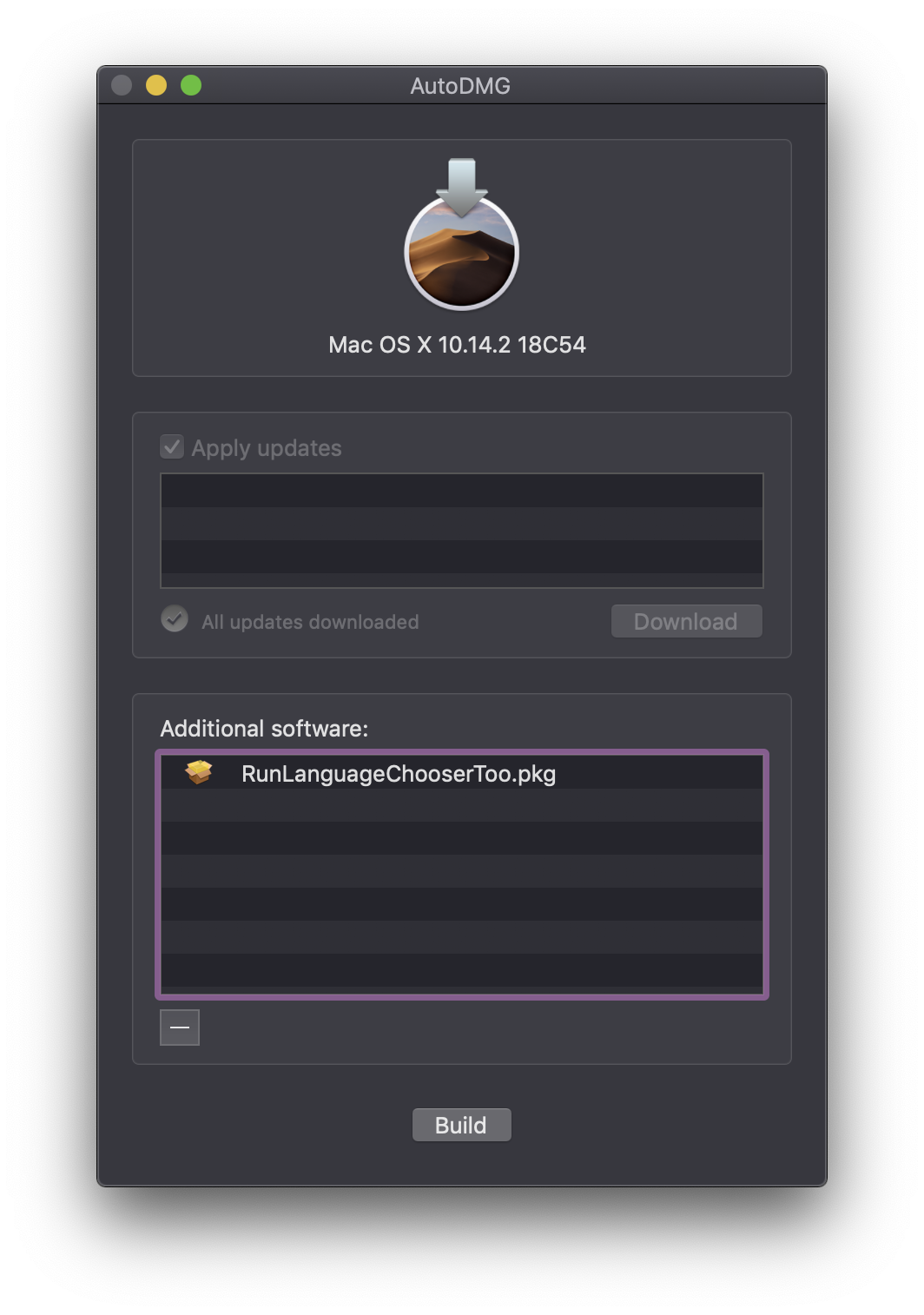
AutoDMG images are useful for many things apart from deployment. For instance, they can be used with VMWare Fusion for testing purposes.
This method should also work in similar situations, and has been verified to work with MacDeployStick installs.
Credits to the MacAdmins Slack community who helped me figure this out.
 SoundSnw
Hello I would like to have the .pkg file as I fail to create one myself. It would be a great help if u send it to me. My email: info@istore-vw.com
LikeLike
You can get it here: https://github.com/soundsnw/mac-sysadmin-resources/blob/master/packages/RunLanguageChooserToo.pkg
LikeLike
Any chance you could upload the PKG? I cant get it to work
LikeLike
I will see if I can. Sorry for the late reply.
LikeLike